What you need before you start
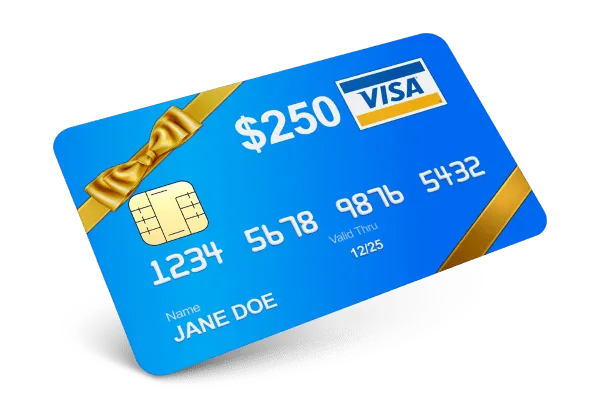
Grab your gift card and a few quiet minutes. You will be asked for three things, all found on the card itself:
- The card number on the front.
- The expiration date, shown as month and year.
- The security code, usually on the back near the signature strip.
If part of the code is hidden under a scratch-off layer, gently reveal it with a coin and avoid scratching the digits.
How to check your balance
- Open the balance page using the button above.
- Type in your card number carefully, without spaces if the form asks for that.
- Add the expiration date and the security code.
- Submit the form and read the available amount shown on screen.
Write the amount down or take a screenshot so you can compare it after your next purchase.
Check before you shop online
Online stores usually decline the whole order if the card cannot cover the total. Looking at your balance first lets you add a second payment method in advance, so the checkout goes smoothly even during busy holiday sales.
If the balance looks wrong
First, recheck every digit you entered, since one wrong number is the most common cause of errors. Next, remember that pending purchases can temporarily reduce the amount you see. If the number still seems off after a day or two, contact the issuer using the phone number printed on the back of your card.